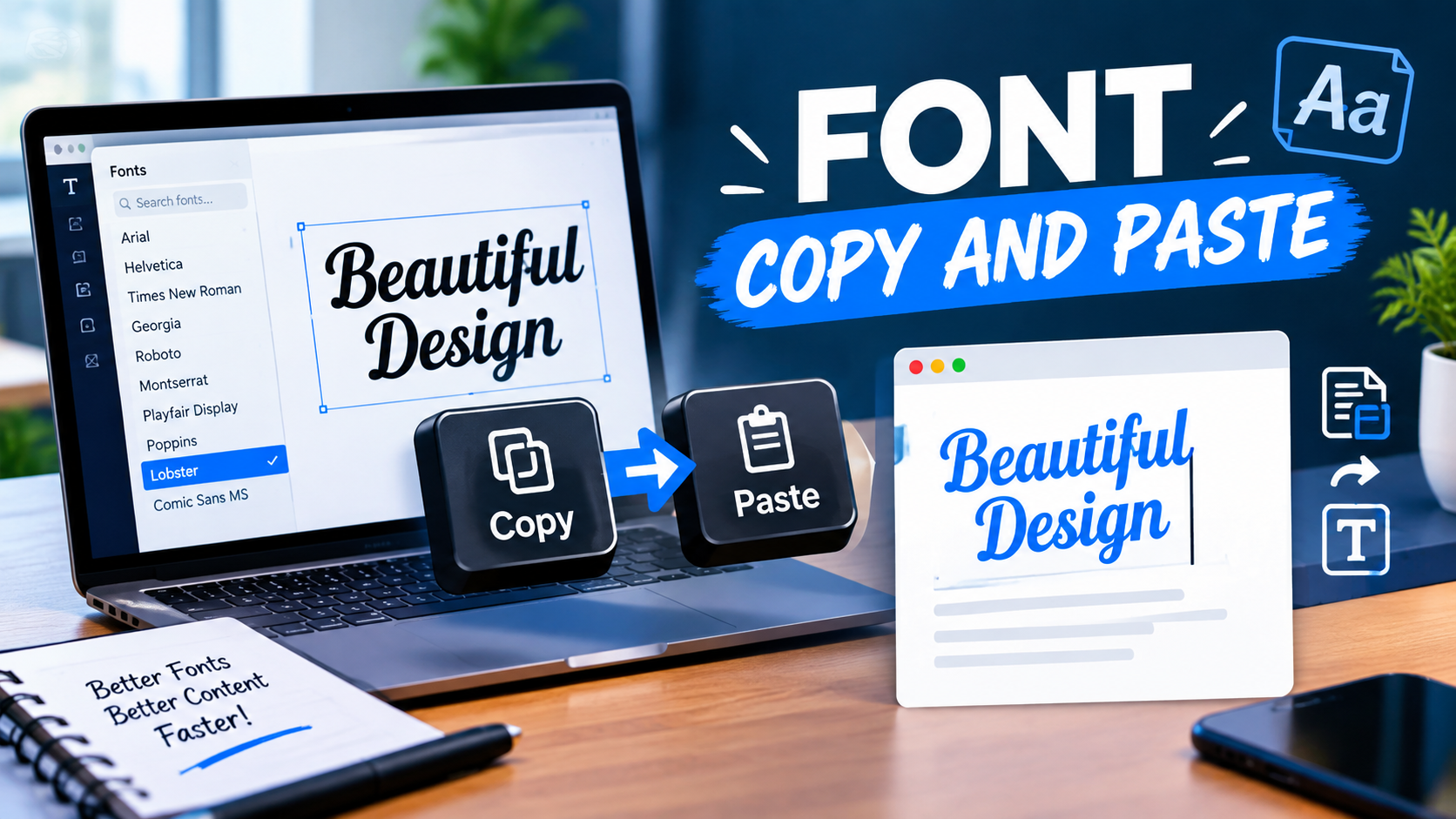
Text does more than share a message. It also helps show personality. Whether you are posting on social media, creating a gaming profile, or sending a message to friends, stylish text can make your words stand out. That is why many people use font copy and paste tools every day.
These tools turn plain text into eye-catching styles using Unicode characters that you can copy and paste anywhere. You do not need special design skills or expensive software. Just type your text, pick a style, and copy it with a click.
In this guide, you will learn what font copy and paste means, how it works, why people use it, and the best ways to make your text look unique online.
What Is Font Copy and Paste?
Font copy and paste refers to the process of converting regular text into stylish Unicode characters that look like different fonts. After generating the text, you can copy it and paste it into social media platforms, chat apps, websites, and online profiles.
For example:
- Normal: Font Copy and Paste
- Bold: 𝐅𝐨𝐧𝐭 𝐂𝐨𝐩𝐲 𝐚𝐧𝐝 𝐏𝐚𝐬𝐭𝐞
- Italic: 𝘍𝘰𝘯𝘵 𝘊𝘰𝘱𝘺 𝘢𝘯𝘥 𝘗𝘢𝘴𝘵𝘦
- Script: 𝓕𝓸𝓷𝓽 𝓒𝓸𝓹𝔂 𝓪𝓷𝓭 𝓟𝓪𝓼𝓽𝓮
- Bubble: Ⓕⓞⓝⓣ Ⓒⓞⓟⓨ ⓐⓝⓓ Ⓟⓐⓢⓣⓔ
- Gothic: 𝔉𝔬𝔫𝔱 ℭ𝔬𝔭𝔶 𝔞𝔫𝔡 ℘𝔞𝔰𝔱𝔢
The result looks like a different font, but it is actually a set of special Unicode symbols. This allows the text to work on many websites and apps.
Why Is Font Copy and Paste So Popular?
People love stylish text because it helps them stand out in crowded online spaces. Every day, millions of posts, comments, and messages appear online. Creative text can grab attention faster than plain words.
Here are some common reasons people use font copy and paste tools:
- Make Instagram bios more attractive
- Create unique TikTok captions
- Design eye-catching Facebook posts
- Personalize gaming usernames
- Decorate Discord profiles
- Add style to YouTube channel descriptions
- Create fun WhatsApp messages
- Make online nicknames look different
A small text change can make a big difference in how a profile or post looks.
How Font Copy and Paste Works
Many people think these tools use complicated technology, but the process is simple. When you enter text into a font generator, the tool replaces normal characters with Unicode symbols. These symbols look different from standard letters while remaining readable.
For example:
- A → 𝐀
- B → 𝐁
- C → 𝐂
The generator automatically converts every letter in your text. Once the conversion is complete, you can copy the result and paste it wherever you want. The entire process usually takes only a few seconds.
How to Use a Font Copy and Paste Tool
Most font generators follow the same simple steps.
Step 1: Enter Your Text
Type the words, sentence, or phrase you want to style.
Step 2: Browse the Font Styles
The tool instantly generates many different styles.
Step 3: Choose Your Favorite
Look through the options and pick the style that matches your needs.
Step 4: Copy the Text
Click the copy button or manually copy the styled text.
Step 5: Paste Anywhere
Paste the text into social media apps, websites, messages, or profiles.
You can repeat the process as many times as you like.
Popular Font Copy and Paste Styles
Different situations call for different styles. Some fonts look professional, while others look playful or artistic.
Bold Fonts
Bold fonts are among the most popular choices.
Example:
𝐒𝐭𝐲𝐥𝐢𝐬𝐡 𝐓𝐞𝐱𝐭
These fonts work well for:
- Headlines
- Important messages
- Social media captions
Cursive Fonts
Cursive styles add elegance and creativity.
Example:
𝓢𝓽𝔂𝓵𝓲𝓼𝓱 𝓣𝓮𝔁𝓽
They are often used for:
- Instagram bios
- Personal branding
- Aesthetic posts
Bubble Fonts
Bubble fonts look fun and cheerful.
Example:
Ⓢⓣⓨⓛⓘⓢⓗ Ⓣⓔⓧⓣ
These are popular among younger users and casual content creators.
Gothic Fonts
Gothic fonts create a bold and dramatic appearance.
Example:
𝔖𝔱𝔶𝔩𝔦𝔰𝔥 𝔗𝔢𝔵𝔱
Gamers and content creators often use this style.
Small Fonts
Small fonts help make text look unique.
Example:
ˢᵗʸˡⁱˢʰ ᵗᵉˣᵗ
These fonts work well in bios and status updates.
Best Places to Use Font Copy and Paste
Stylish text can be used almost anywhere online.
Instagram users often add stylish text to:
- Bios
- Reels captions
- Story highlights
- Username displays
Creative fonts can make a profile appear more attractive and memorable.
Many users decorate posts and profile information with fancy text. It helps important content stand out in busy news feeds.
TikTok
TikTok creators use stylish fonts to catch viewers’ attention quickly. A unique caption can encourage more engagement.
Discord
Discord allows users to personalize usernames and profile descriptions. Font copy and paste tools make customization easy.
Stylish text can make messages more fun and expressive. Many users enjoy surprising friends with creative text styles.
Gaming Platforms
Players often use font copy and paste tools to create unique usernames. A memorable gaming name can help you stand out from other players.
Benefits of Using Font Copy and Paste Tools
There are many reasons why these tools remain popular.
Easy to Use
No design experience is required. Anyone can create stylish text in seconds.
Free Access
Most font generators are completely free to use.
Works on Many Devices
You can create and use stylish text from smartphones, tablets, and computers.
No Software Installation
Most tools work directly in your browser.
Hundreds of Styles
Many generators offer dozens or even hundreds of font choices.
Saves Time
Instead of designing text manually, you can generate it instantly.
Tips for Choosing the Right Font Style
While stylish text looks great, choosing the right style is important.
Focus on Readability
Some fonts are beautiful but difficult to read. Always choose styles that people can understand quickly.
Match the Platform
Professional platforms often work best with simple styles. Social media allows more creativity.
Avoid Overusing Styles
Using too many different fonts at once can make text look messy. One or two styles usually work best.
Test Before Posting
Check how your styled text appears on different devices and apps.
Keep Important Information Clear
If you are sharing contact details or important information, use simple and readable styles.
Common Mistakes to Avoid
Many users make small mistakes when using font copy and paste tools.
Here are a few things to avoid:
- Using hard-to-read symbols
- Mixing several styles together
- Making entire paragraphs stylish
- Copying unusual characters that may not display correctly
- Using decorative fonts in professional communication
Stylish text should improve readability, not reduce it.
Are Font Copy and Paste Tools Safe?
In most cases, yes. Font copy and paste generators are safe because they simply convert ordinary text into Unicode characters.
However, you should still follow basic safety rules:
- Use trusted websites
- Avoid sharing personal information
- Do not download unknown software
- Check website security before entering text
Most reliable generators require nothing more than typing your desired text.
Can Stylish Fonts Improve Social Media Profiles?
Stylish text can help attract attention when used correctly. A unique bio or username may be easier for people to notice and remember.
For example, a simple profile name might blend in with thousands of others. A clean and stylish version can look more professional or creative.
That said, content quality remains the most important factor. Stylish fonts work best as a supporting element rather than the main attraction.
The Future of Font Copy and Paste
As social media continues to grow, personalized content will likely become even more important. People want creative ways to express themselves online. Font copy and paste tools offer a simple solution.
New font styles, symbols, and Unicode characters continue to appear. This gives users more ways to customize their online presence without learning graphic design.
Because these tools are easy, free, and quick to use, they will likely remain popular for years to come.
Final Thoughts
Font copy and paste tools make it easy to turn ordinary text into something more interesting. Whether you want to improve an Instagram bio, create a unique gaming username, decorate a TikTok caption, or send a fun message to friends, these tools can help in seconds.
The best part is their simplicity. Type your text, choose a style, copy it, and paste it wherever you like. With hundreds of creative text options available, anyone can give their words a fresh and stylish look. Use them wisely, keep your text readable, and enjoy making your online presence stand out.