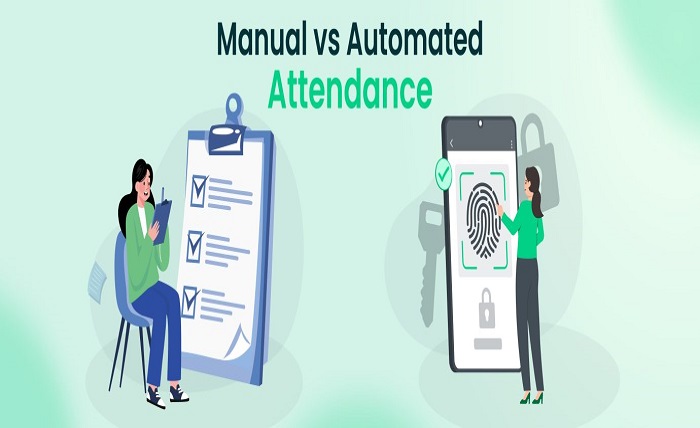
Manual attendance tracking can cause errors and hinder overall efficiency. Switching to automated systems can simplify processes, save time, and improve accuracy. This article outlines the essential steps for transitioning from manual attendance tracking to an automated solution.
Step 1: Assess the Current Attendance System
The first step in transitioning to an automated system is evaluating the current manual process. Identify any inefficiencies or common errors. Assess whether the existing system meets the organization’s current and future needs.
This review will help determine what needs to be improved and what features the new time and attendance software system should include. Assessing the current system makes it easier to choose the right solution that aligns with the organization’s goals. The analysis will also highlight key metrics like employee time tracking and labor cost optimization to help with decision-making.
Step 2: Research and Select the Right Software
Once the assessment is complete, the next task is researching available software options. Consider factors such as integration capabilities with existing systems, user-friendliness, and scalability. It is essential to select software that can grow with the organization.
Ensure the software includes features that address the challenges identified, like biometric authentication and cloud-based reporting. Consult reviews to gain insights. Expert recommendations will help make an informed decision during the selection process.
Step 3: Plan the Integration and Customization of the System
With the right software selected, the next task is planning its integration into the organization’s existing systems. Collaborate closely with the IT department to ensure smooth connection with payroll and HR systems. Customization of the software may be necessary to tailor it to the specific needs of the organization.
Establish clear timelines for implementation and configuration to prevent delays. Careful planning reduces disruptions to daily operations. This ensures a smooth rollout, incorporating features like scheduling automation and data analytics for efficiency.
Step 4: Train Staff on the New System
Once the system is integrated, ensure all employees are properly trained to use the new software. Organize training sessions that cover essential functions, such as clocking in and out, tracking attendance, and generating reports. Make sure employees understand how to access and use the system effectively.
Communicate the benefits of the new system, emphasizing its accuracy and ease of use. Proper training ensures the system is used efficiently, leading to a successful transition. Employees will become familiar with features such as the self-service kiosk and mobile capabilities of the software.
Step 5: Monitor and Optimize the System for Continued Efficiency
After the system is implemented, regularly monitor its performance. Track usage and identify any areas for improvement. Seek feedback from employees to ensure the system is meeting their needs and addressing any issues.
Regular system updates and optimization maintain efficiency while adapting to new requirements. Continuous monitoring ensures smooth operation. Real-time data analysis helps identify areas for improvement, ensuring the system meets organizational needs effectively.
The transition from manual attendance tracking to automation significantly enhances the precision and efficiency of the process. Following these steps ensures a successful transition with minimal disruptions. Careful planning, selecting the right time and attendance software, and providing proper training will maximize the benefits of the new system, enhancing overall workforce management.